Inspect the artifact
Explore supported files, embedded content, and memory artifacts before drawing conclusions.


Security analysis
File inspection, memory analysis, runtime tracing, and evidence reporting in one connected Windows investigation workflow.
For malware analysts, SOC and DFIR teams, and security researchers.
Free · Professional · Enterprise
Explore supported files, embedded content, and memory artifacts before drawing conclusions.
Use supported Guided, Deep, and API Hook tracing to examine available runtime evidence.
Prepare technical reports and supported executive reporting with evidence quality and limits visible.
EXPLORE THE DETAILS
Choose a topic below. Detailed descriptions and relevant limitations remain available in each section.
MalwareINFO is a Windows security analysis application developed by United Info-Sec Co., Ltd. It brings file inspection, payload and memory-artifact analysis, API tracing, cryptographic analysis, and investigation reporting into one interface.
Whether you are reviewing a suspicious executable, investigating activity in a controlled environment, examining a memory artifact, or preparing findings for a security team, MalwareINFO helps organize the work around the evidence available.
Its approach is practical: inspect the artifact, investigate relevant behavior, preserve the findings, and communicate what the evidence supports.
A suspicious file rarely tells its whole story through one scan result.
Analysts may need to examine its structure, review reputation information, inspect embedded content, observe runtime activity, and compare findings from several sources.
MalwareINFO brings these activities into a connected workspace, helping you move between initial triage and deeper investigation without treating every observation as a final verdict.
Use the available tools to explore questions such as:
The result is a more organized starting point for analysis, review, and follow-up.
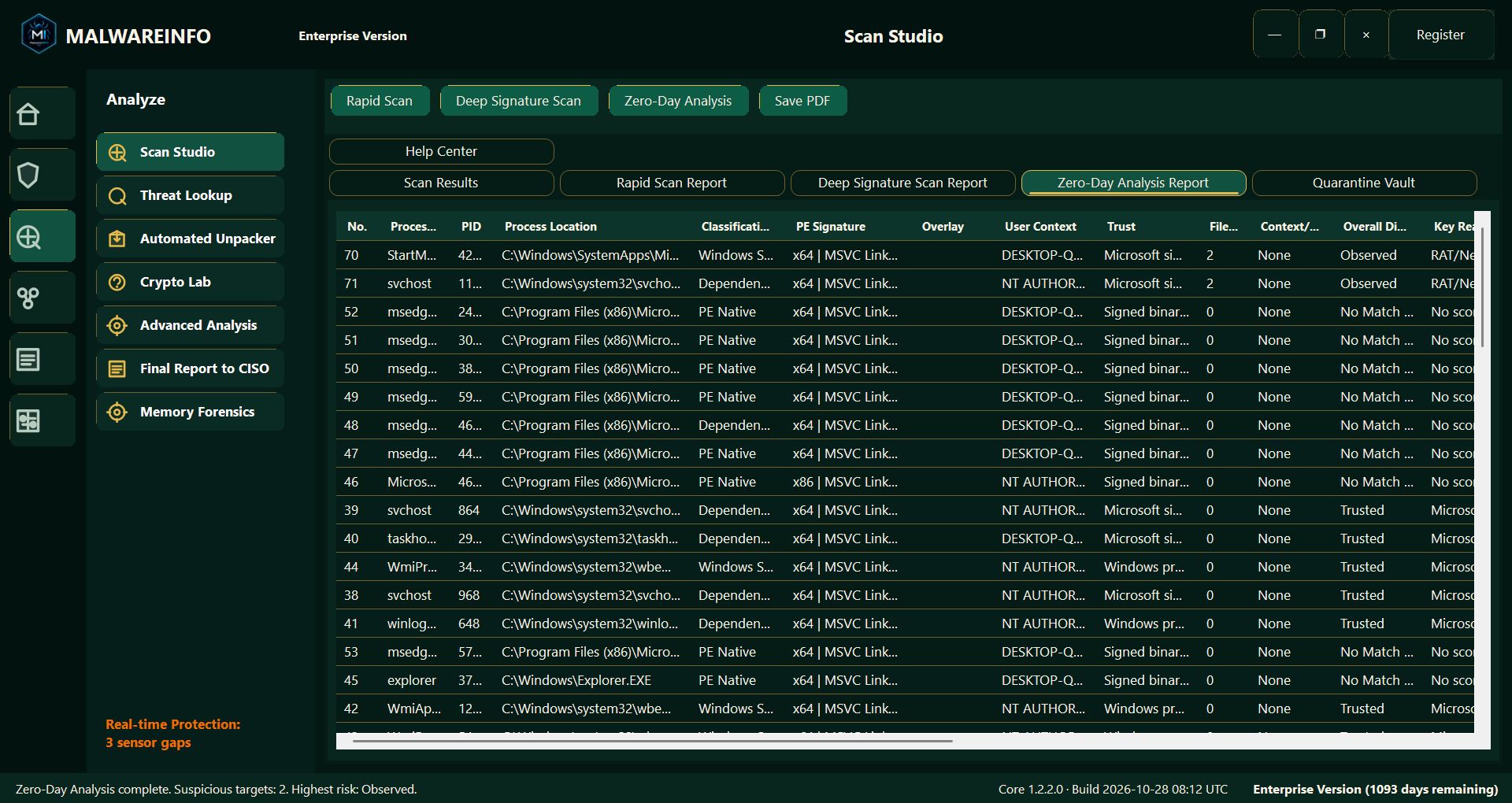
Scan Studio brings together Rapid Scan, Deep Signature Scan, and Zero-Day Analysis workflows, with availability determined by the selected edition.
These tools provide different ways to begin examining suspicious files and reviewing findings.
Use the appropriate workflow to perform an initial check, investigate supported indicators, and identify areas that need closer inspection.
Scan results can help guide an investigation. Their meaning depends on the scan performed, the available engines and data, and the evidence collected.
MalwareINFO keeps the distinction between a finding and a confirmed conclusion relevant throughout the workflow.
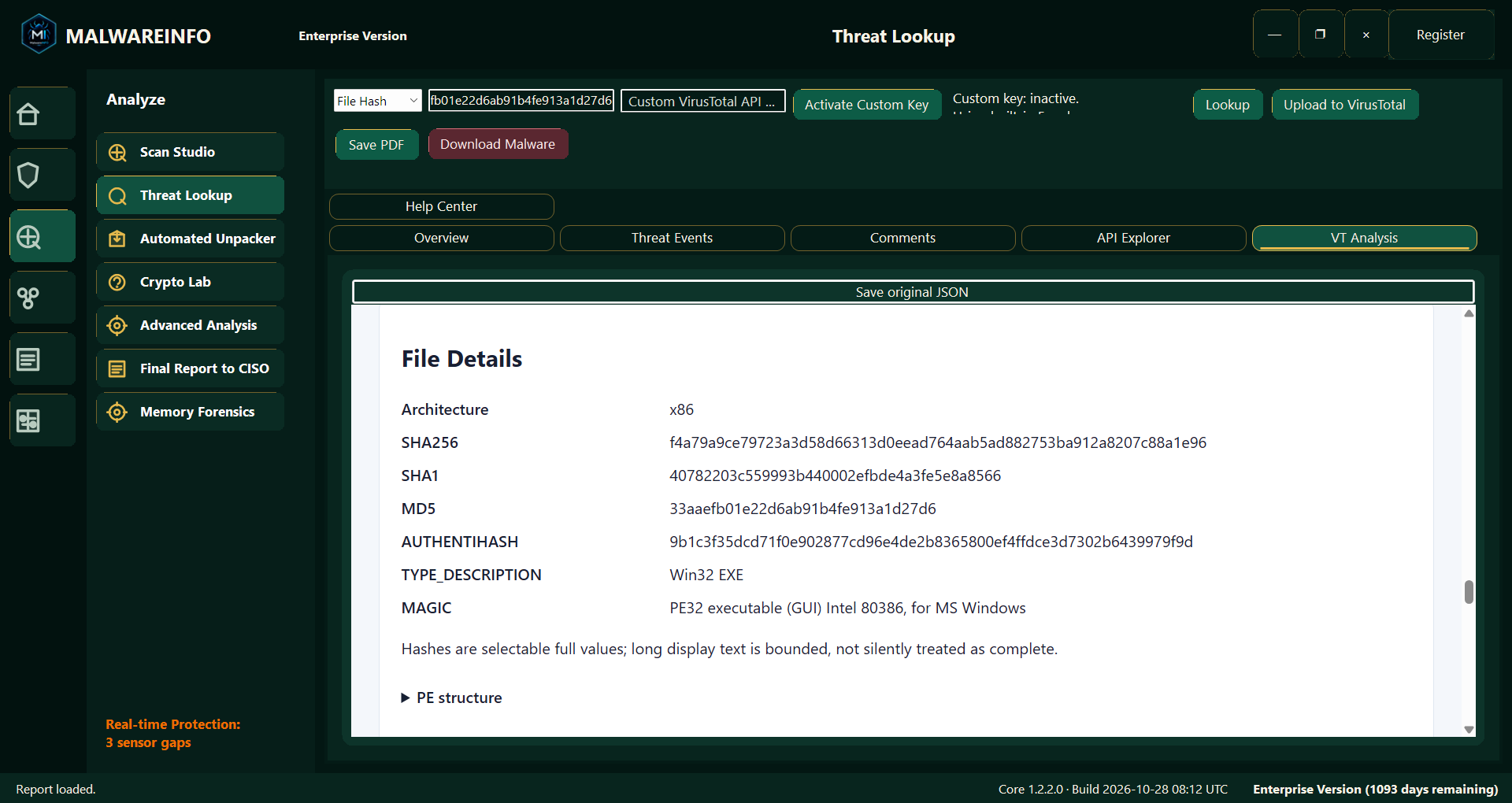
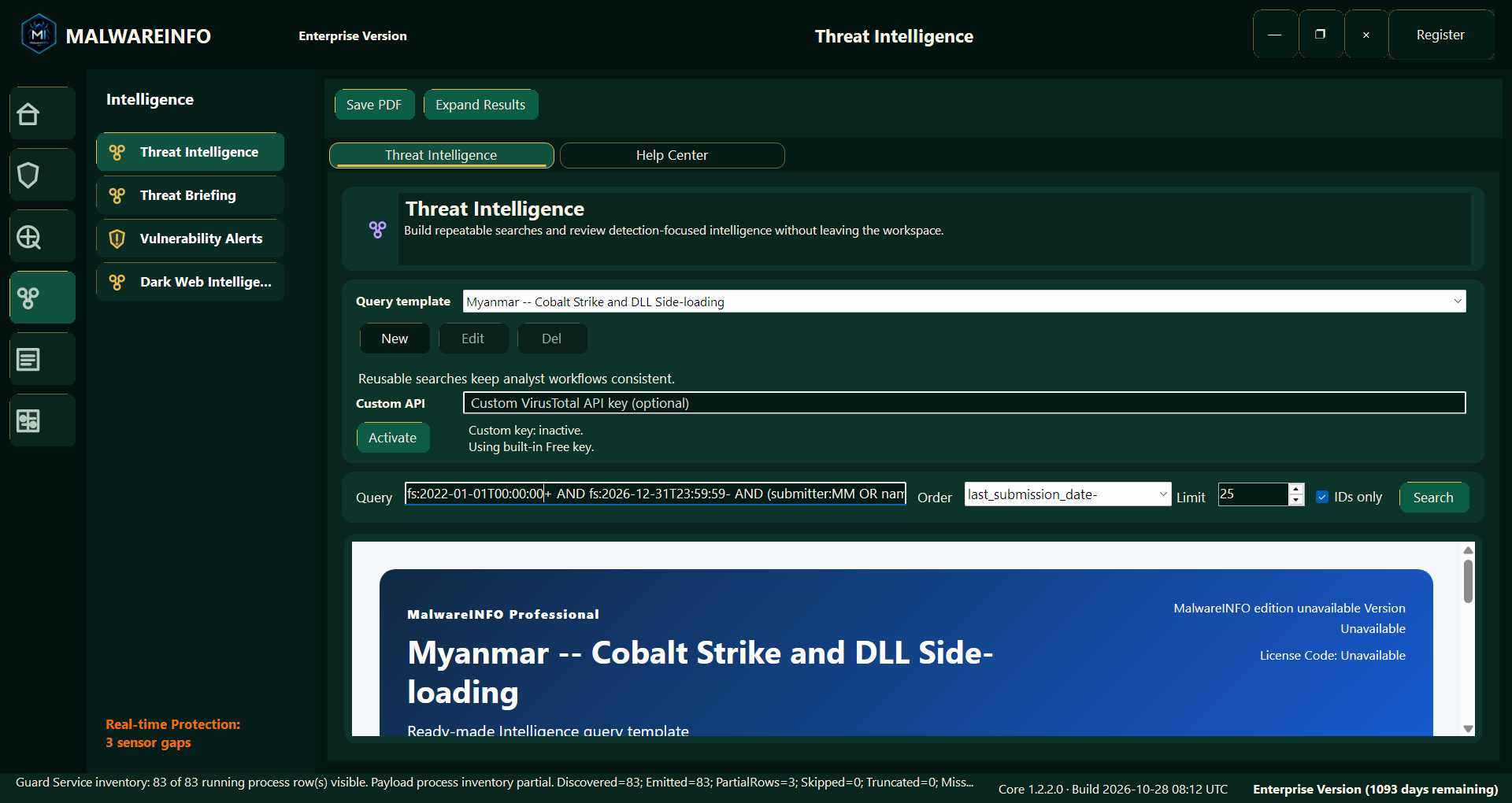
Reputation information can help an analyst decide where to investigate next.
Threat Lookup provides a way to review supported reputation information, including VirusTotal-related results, alongside the broader investigation.
This can be useful when checking a file’s existing reputation, comparing external observations, or identifying questions that require local analysis.
Online lookup features depend on the relevant service, API access, connectivity, and service limits. Actions involving an external service should be reviewed before submitting sensitive files or information.
Reputation is one source of context—not a substitute for examining the artifact and its behavior.
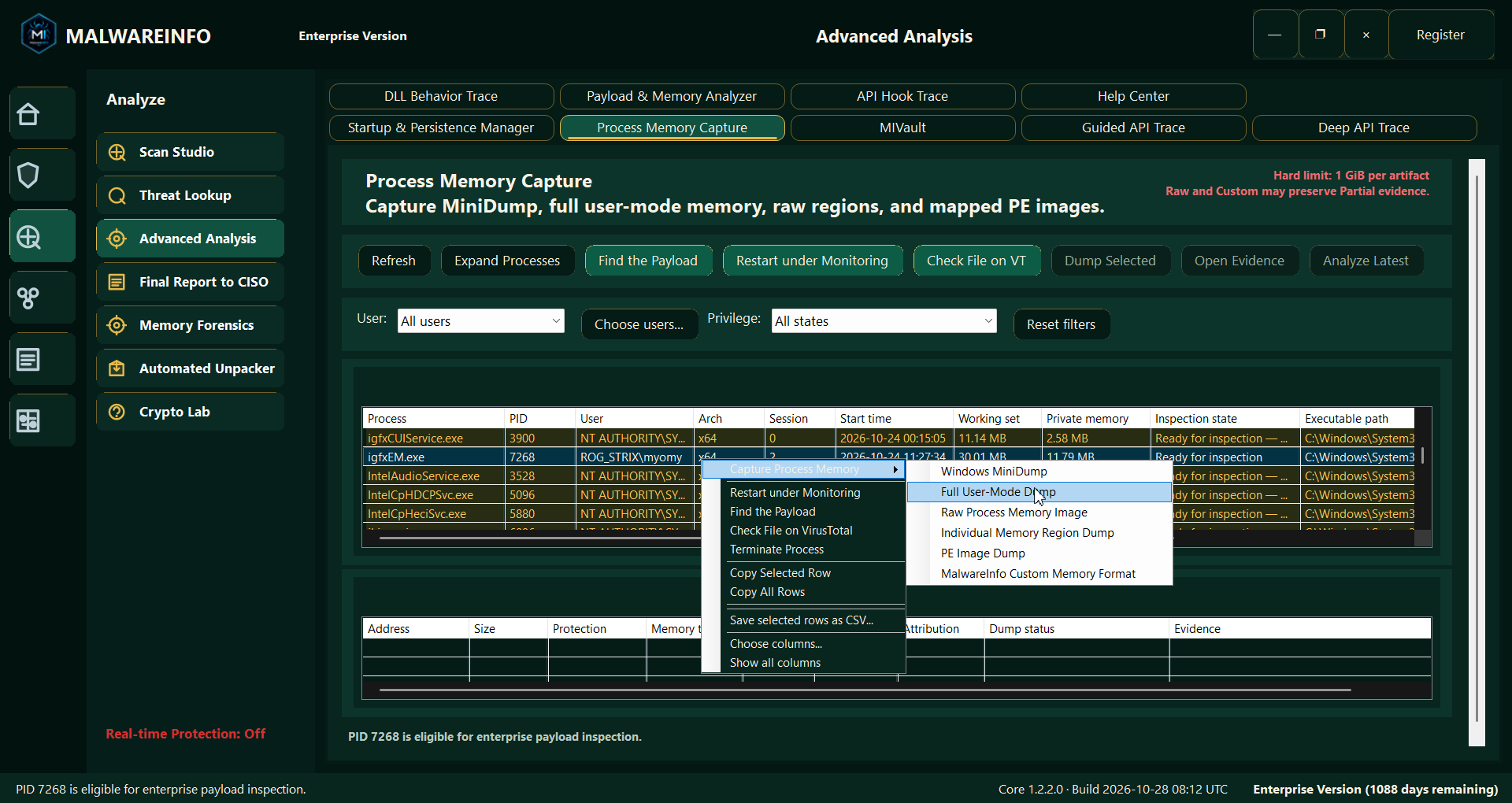
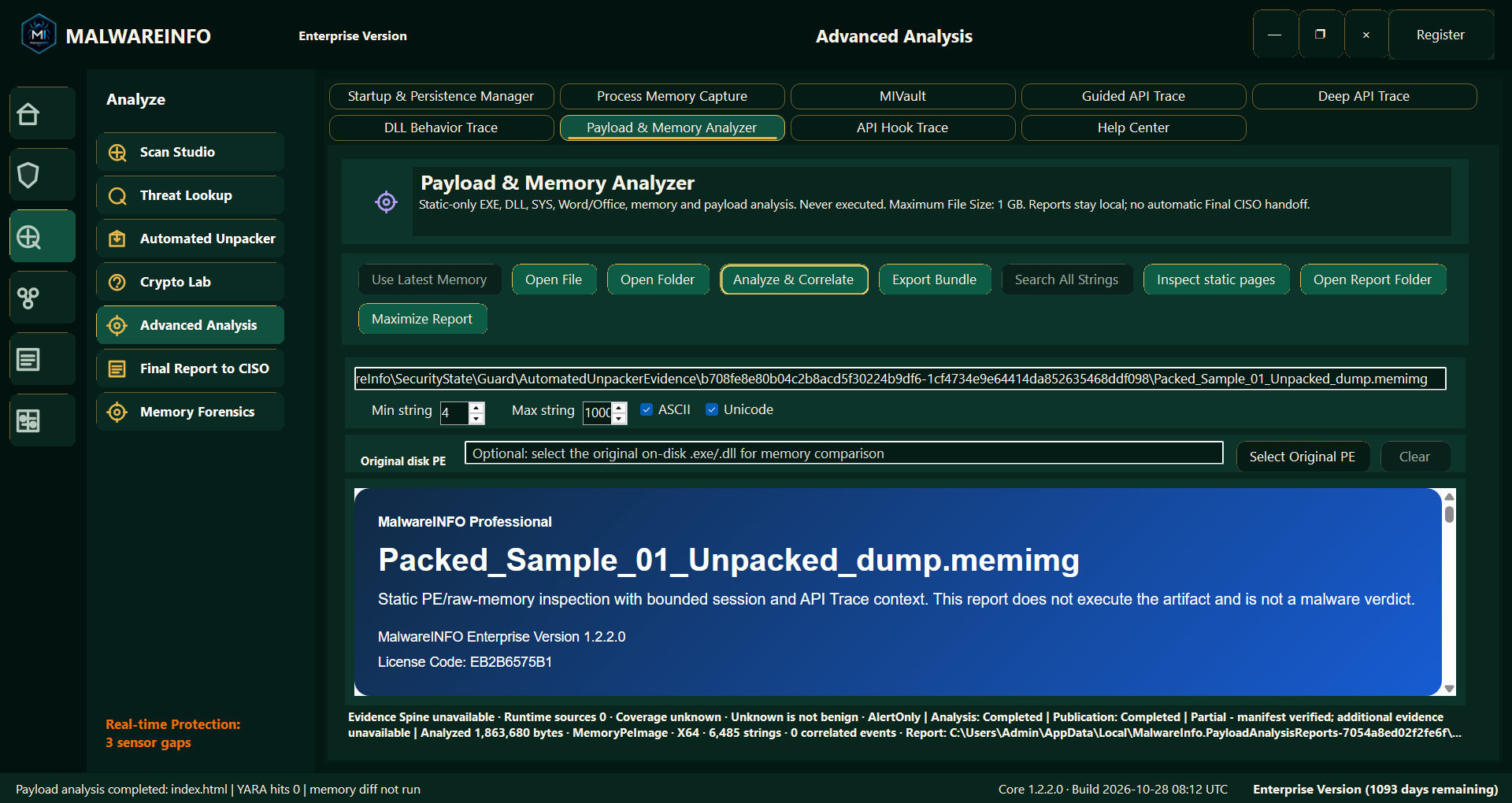
Payload & Memory Analyzer supports deeper inspection of supported files and memory artifacts.
Supported input categories include:
.doc files..memimg and .dmp memory artifacts.Depending on the input and available evidence, the analyzer presents information such as file structure, extracted strings, embedded content, configuration-related observations, and other details relevant to investigation.
Where attributable runtime context is available, analysts can review it alongside the artifact findings.
This helps address an important distinction: content found inside a file or memory artifact does not, by itself, prove that an action occurred.
An API name, URL, command string, or cryptographic constant may provide a useful lead. Runtime attribution requires additional supporting evidence.
Payload & Memory Analyzer is available to Professional and Enterprise users.
Obfuscated scripts can hide their purpose behind encoded strings, indirect function calls, and layers of transformations.
MalwareINFO helps analysts inspect supported JavaScript, JScript Encoded, VBScript, and PowerShell files—including .js, .jse, .vbs, and .ps1—and turn supported obfuscation patterns into human-readable analysis.
Use Payload & Memory Analyzer to:
The analyzer reads scripts as data without executing them. Original source references remain available, while inferred names, unresolved expressions, and incomplete decoding are identified explicitly.
Support depends on the script and obfuscation method; some content may remain partially decoded or unresolved. A recovered command or destination does not establish that it was executed or contacted.
Available in MalwareINFO Professional and Enterprise.
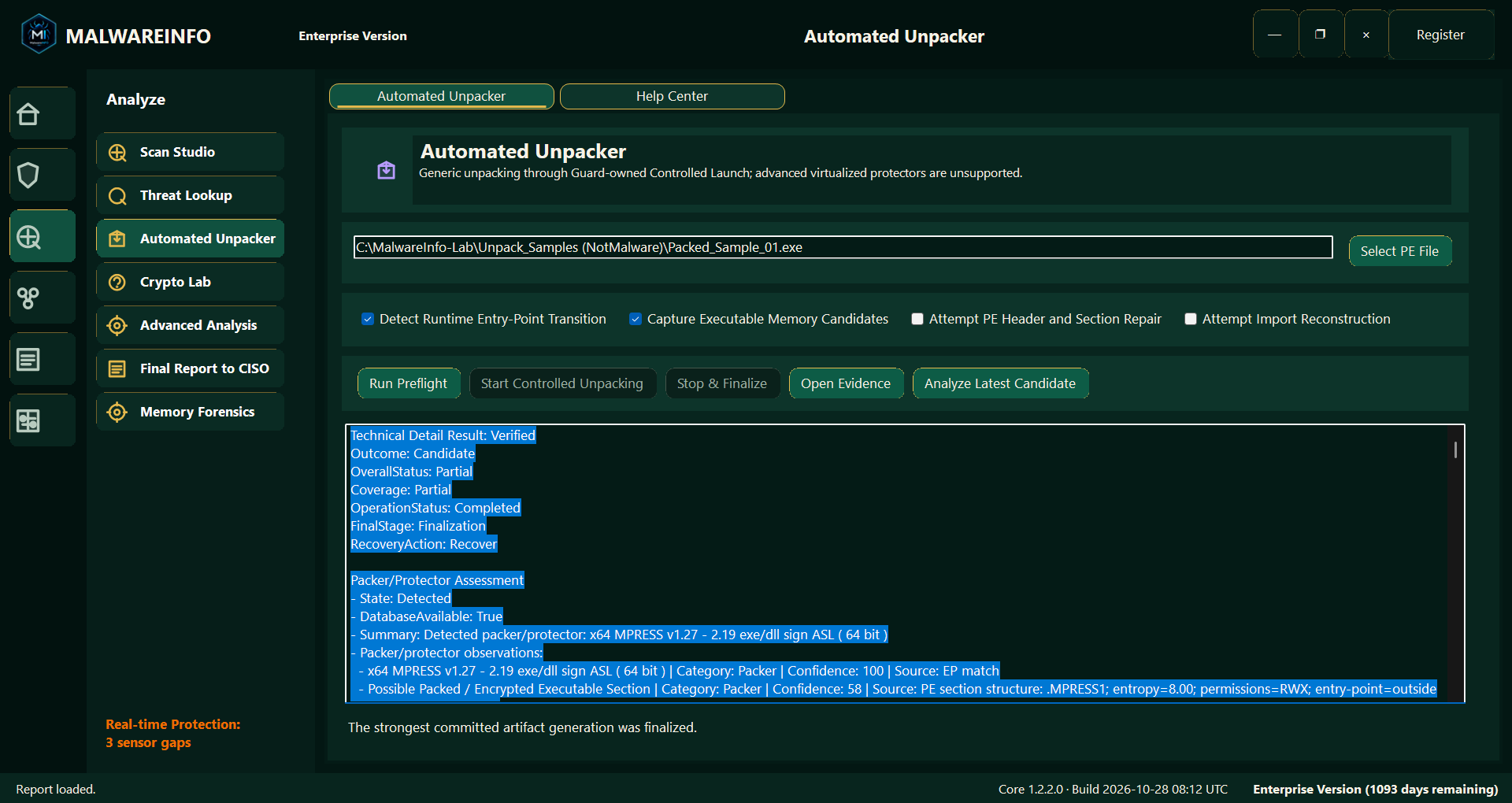
Packed files can make static inspection more difficult by concealing or transforming the original program content.
Automated Unpacker provides a controlled workflow for investigating supported packed artifacts and reviewing recovered output and associated evidence.
It can help analysts continue an investigation when the original file offers limited visibility.
Unpacking outcomes depend on the protection method, file behavior, supported workflow, and execution environment. Some artifacts may produce useful results, while others may remain partial or require further investigation.
Use controlled execution workflows in an appropriate analysis environment. Automated Unpacker should not be treated as a general-purpose sandbox or a guarantee that every protected file can be unpacked.
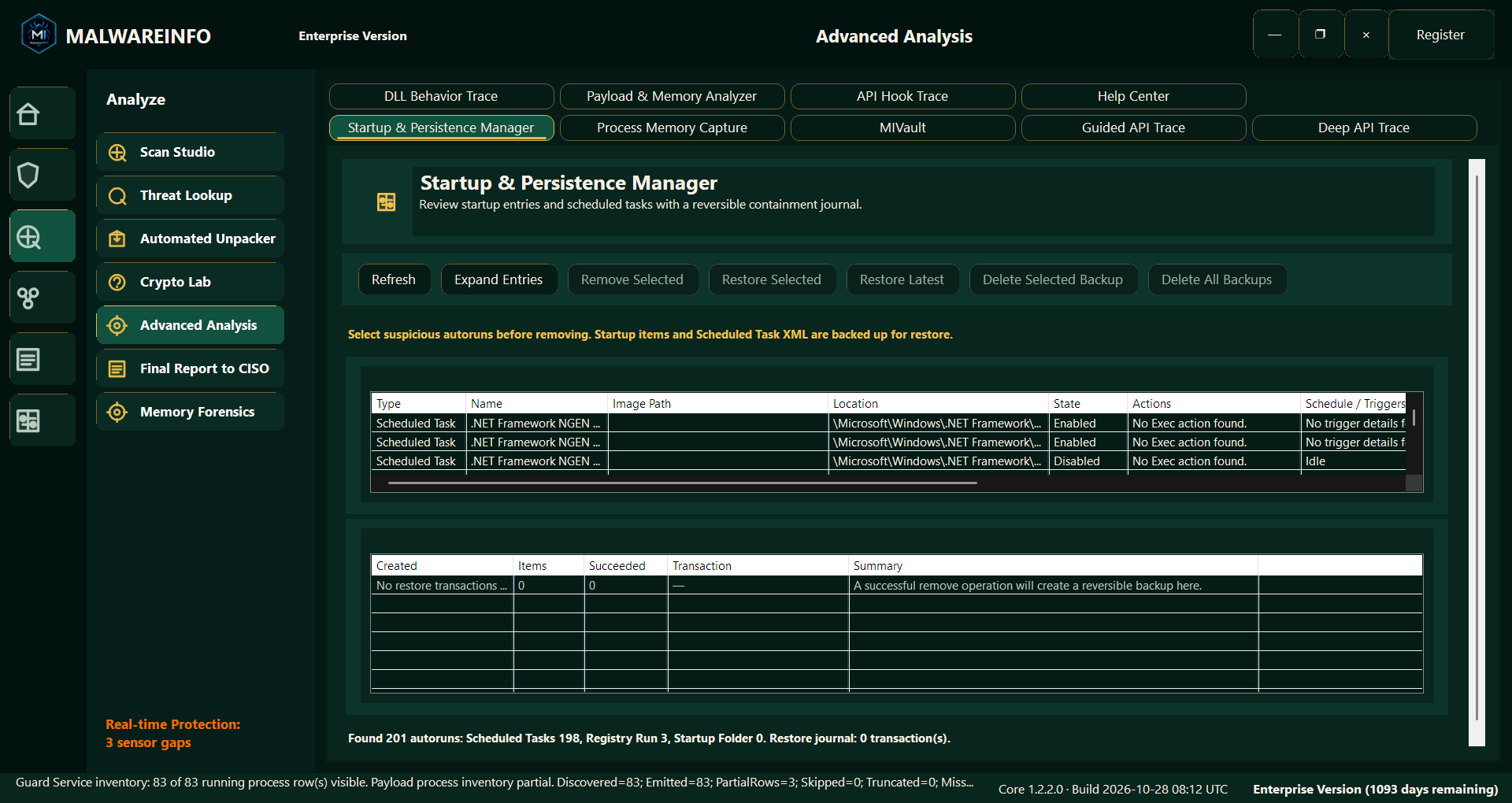
Static inspection shows what an artifact contains. Runtime investigation helps reveal what was observed while a selected program was running.
MalwareINFO offers several tracing workflows for different investigation needs.
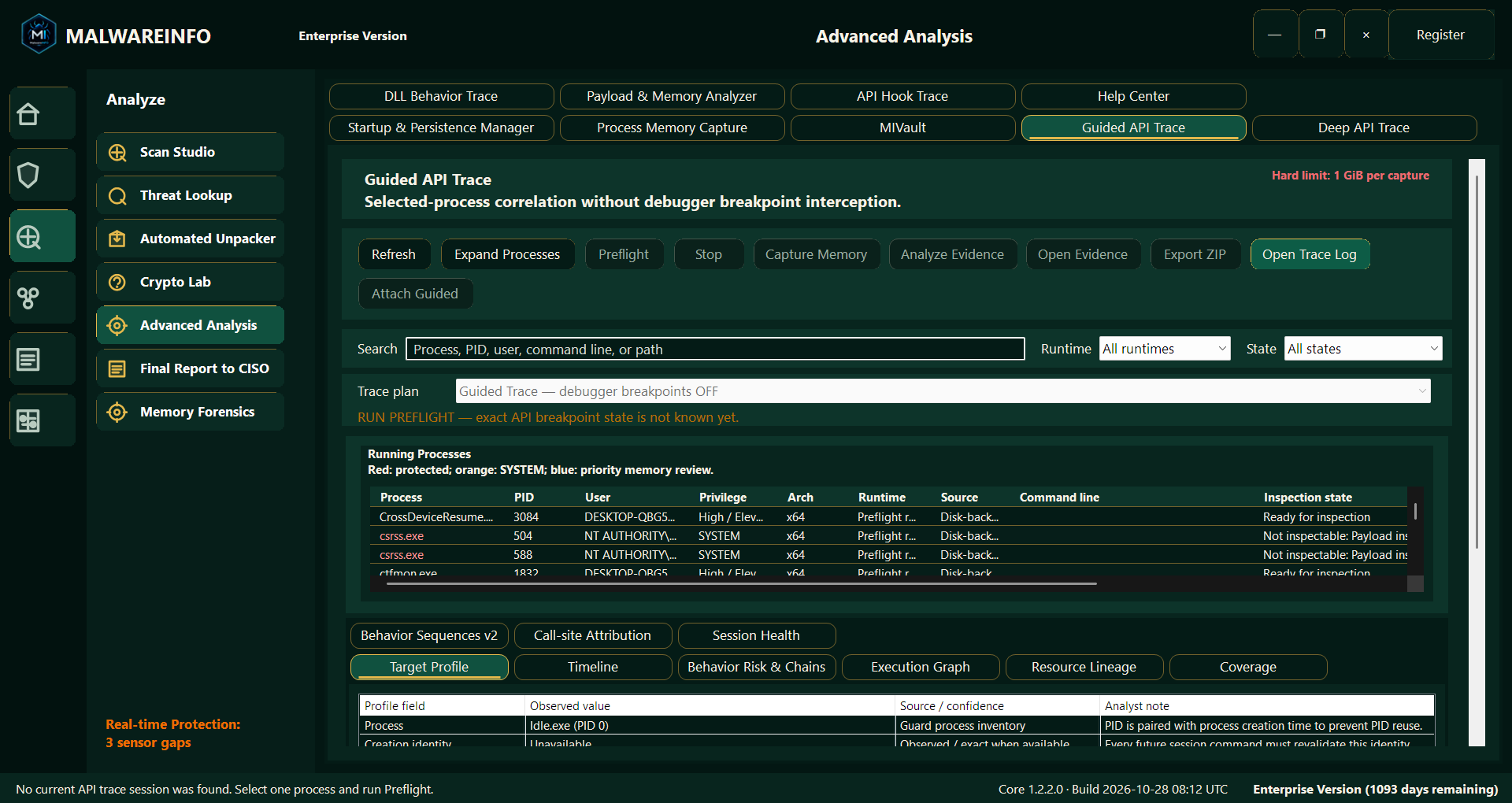
Guided API Trace provides selected-process correlation without debugger breakpoint interception.
It offers a guided route through available observations, helping analysts review relevant activity and its relationship to the selected process.
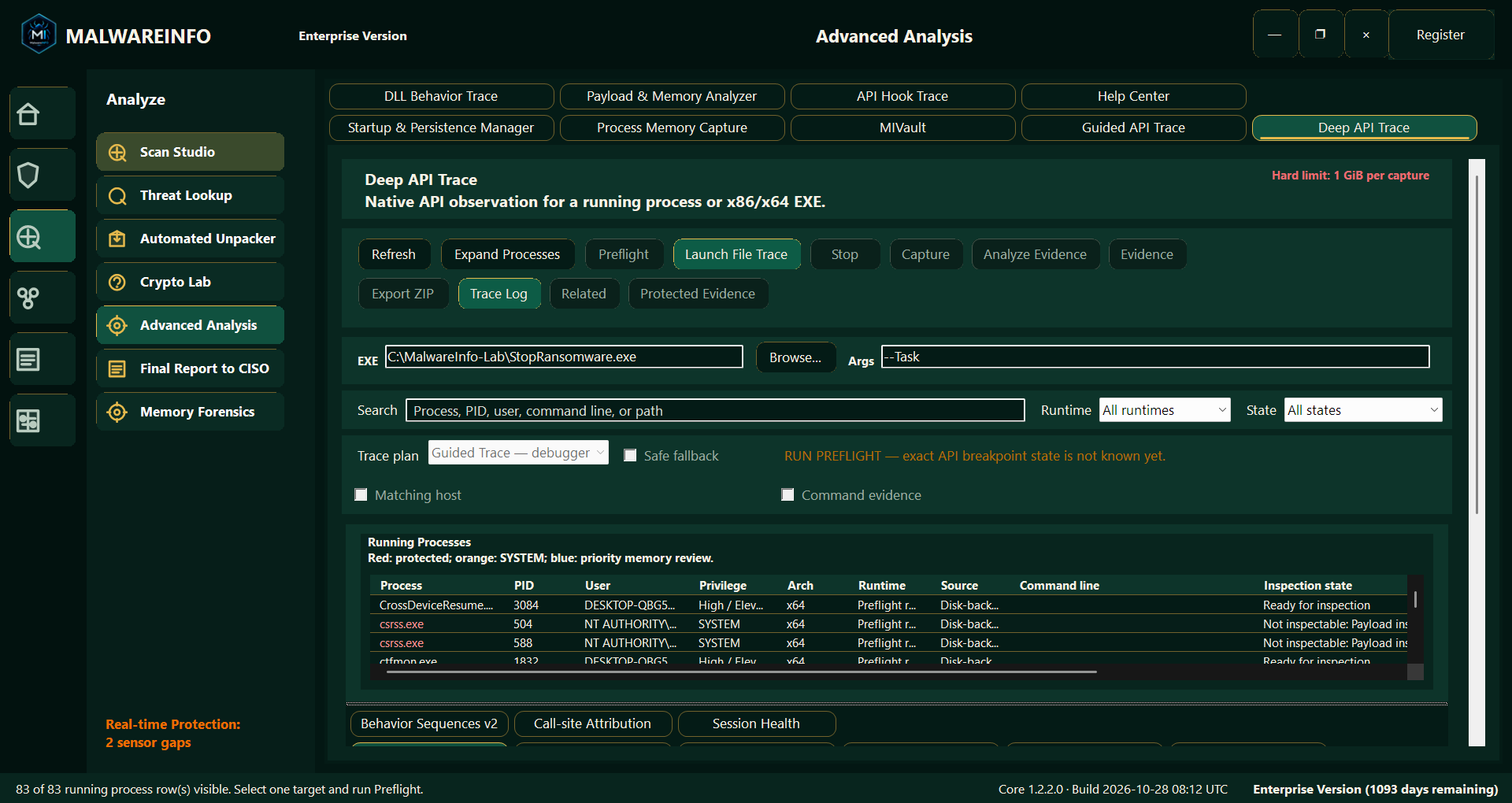
Deep API Trace provides native API observation for a running process.
Analysts can review the available trace evidence to investigate observed actions, targets, outcomes, and collection coverage.
The report helps distinguish observed activity from conclusions that remain unsupported or unavailable.
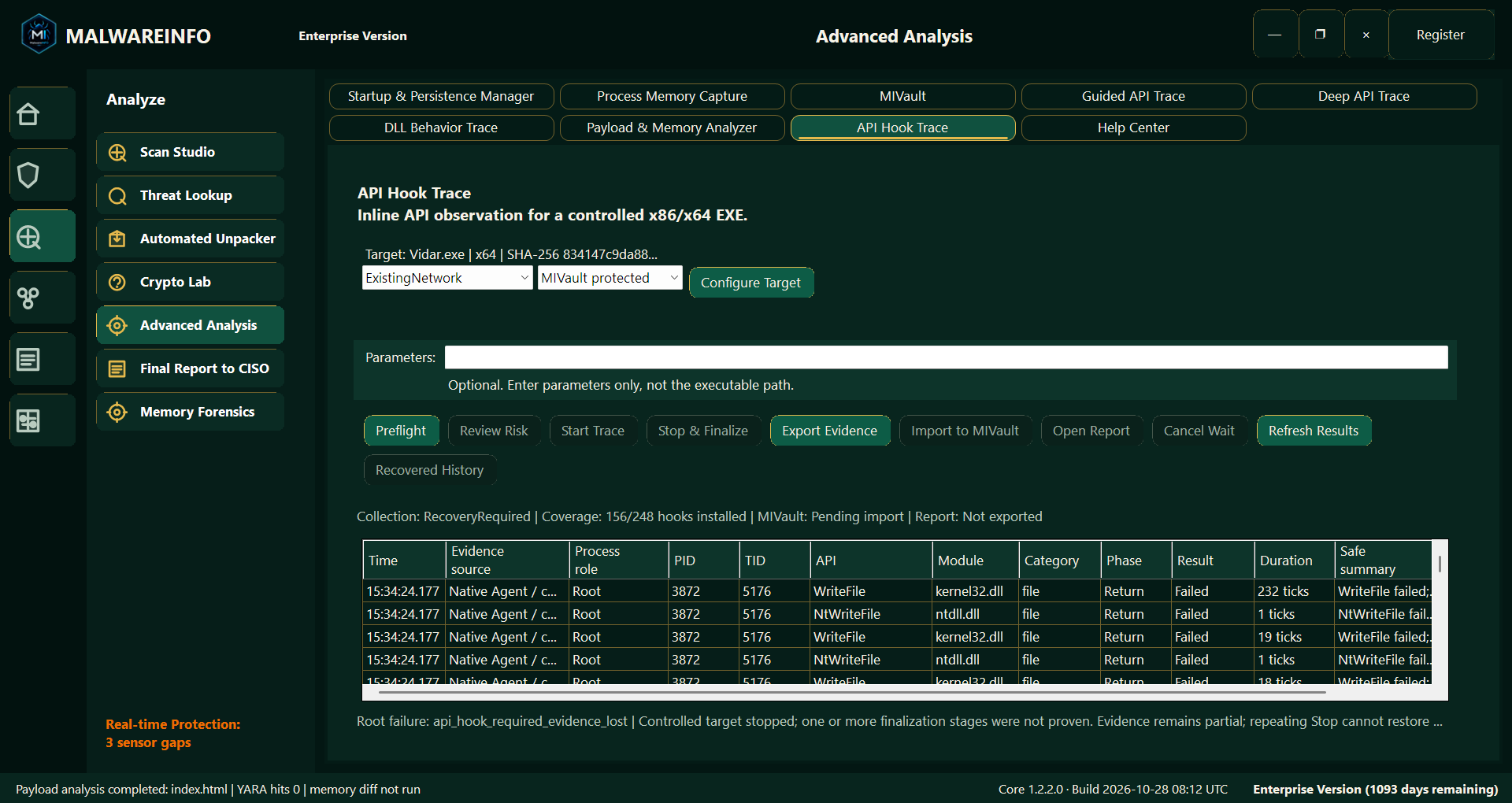
API Hook Trace provides inline API observation for a controlled executable.
It supports closer examination of selected API interactions within the supported instrumentation workflow.
Trace coverage varies with the application, architecture, permissions, collection method, and session conditions. Instrumentation may also influence how an application behaves.
These Enterprise analysis tools help answer more specific runtime questions while keeping collection limitations relevant to the interpretation.
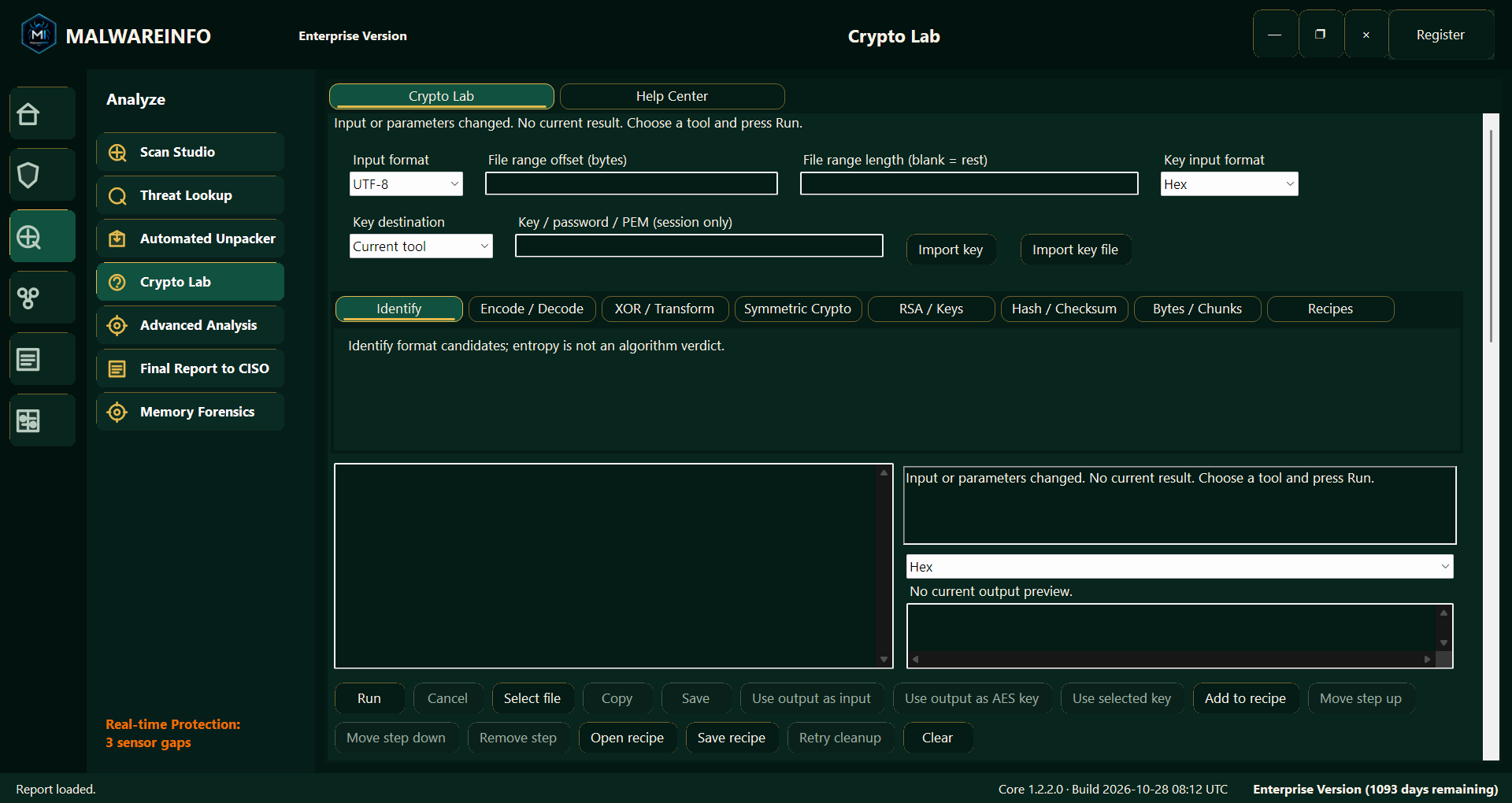
Malware investigations often involve encoded strings, transformed configuration data, cryptographic material, or byte sequences that need further examination.
Crypto Lab provides an offline workspace for these tasks.
Available tool areas include:
Work with selected input, inspect the output, and combine supported operations into a repeatable sequence.
Crypto Lab is useful when investigating configuration formats or testing a transformation with known parameters. Identifying a possible format or observing high entropy does not automatically establish which algorithm was used.
Crypto Lab processes its analysis input locally and is available in the Free, Professional, and Enterprise editions.
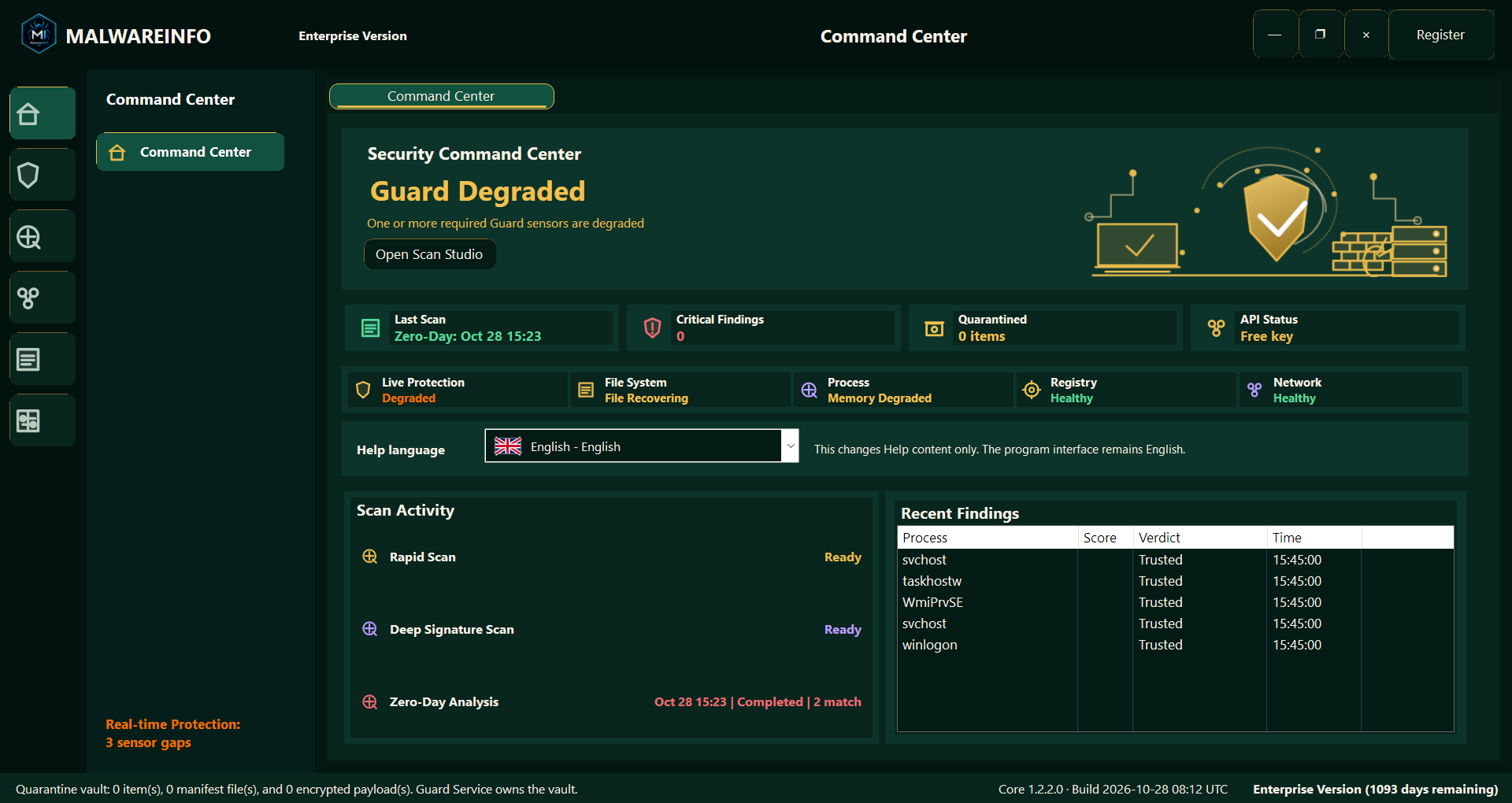
MalwareINFO also includes real-time Guard functionality in supported paid-edition workflows.
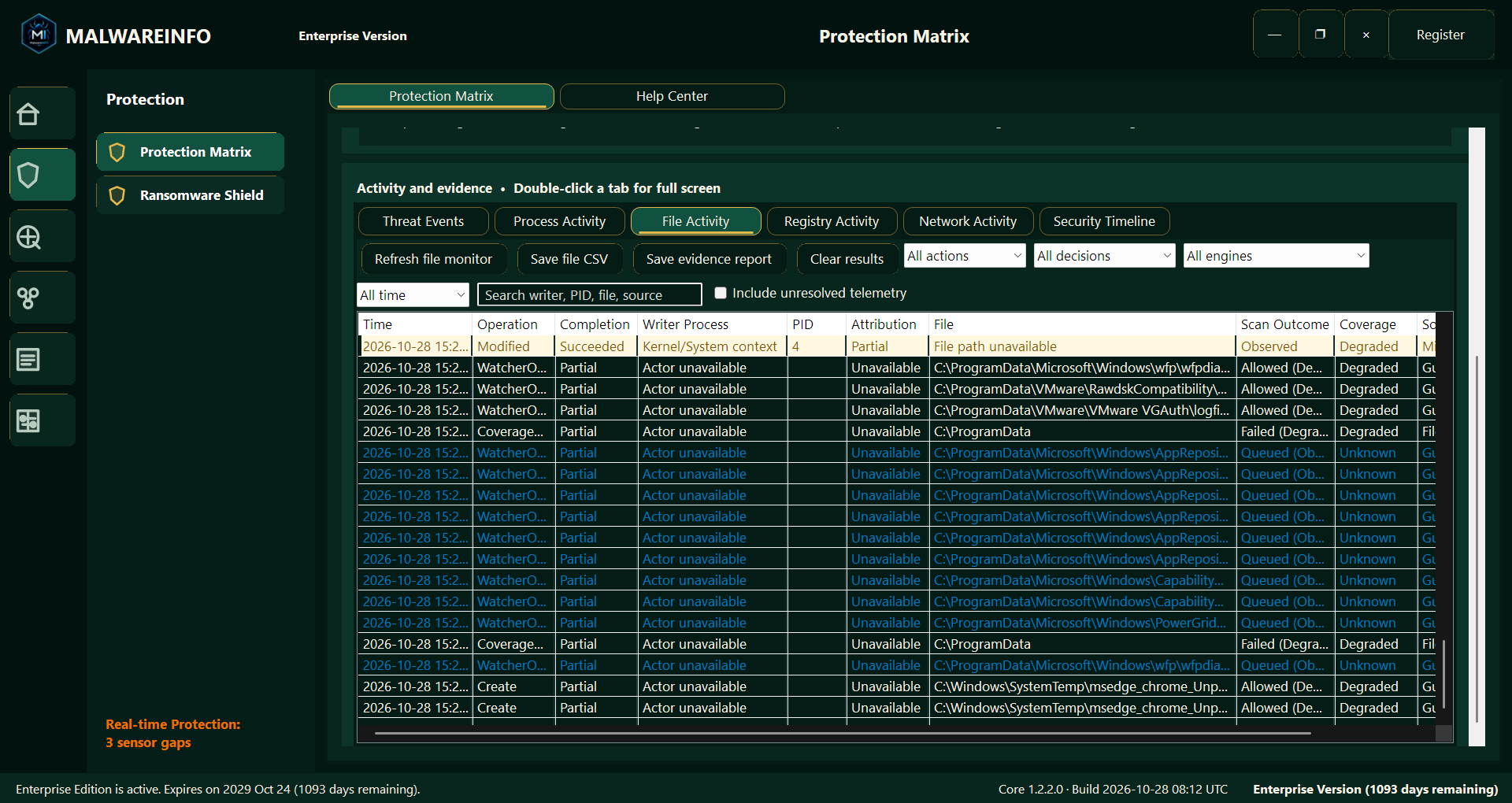
The interface brings together relevant protection information and activity views, helping users review available file, process, registry, and network observations.
The Command Center and Protection Matrix provide places to inspect operational status rather than relying solely on the presence of a running application.
Service availability, provider readiness, and protection health are distinct conditions. Their status matters when deciding what coverage was available during an investigation.
Security findings and response options remain subject to the supported feature, current permissions, and applicable policy.
An investigation becomes more useful when its findings can be understood by someone who did not perform the original analysis.
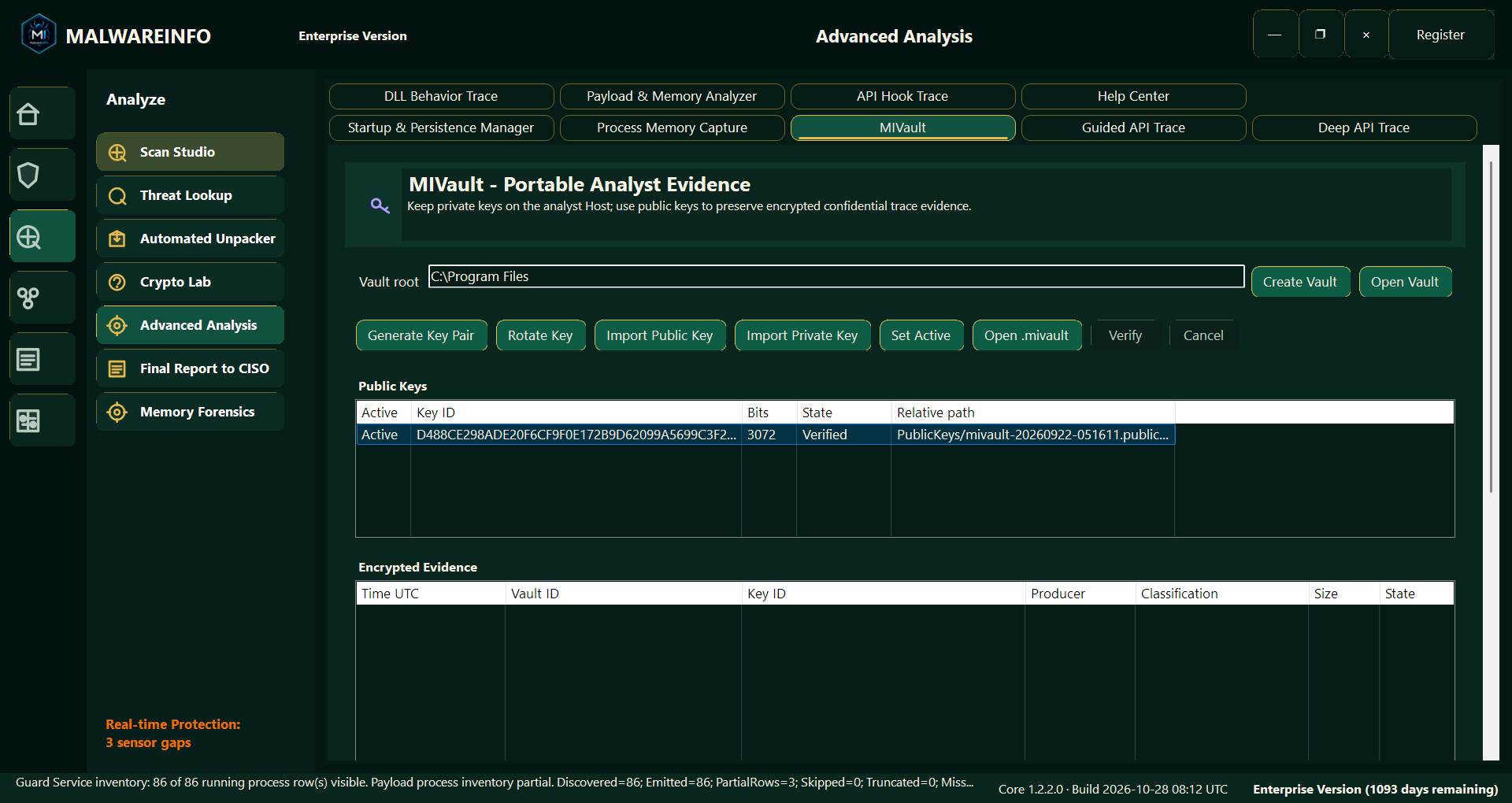
MalwareINFO includes reporting workflows that help organize observations, supporting evidence, and relevant limitations.
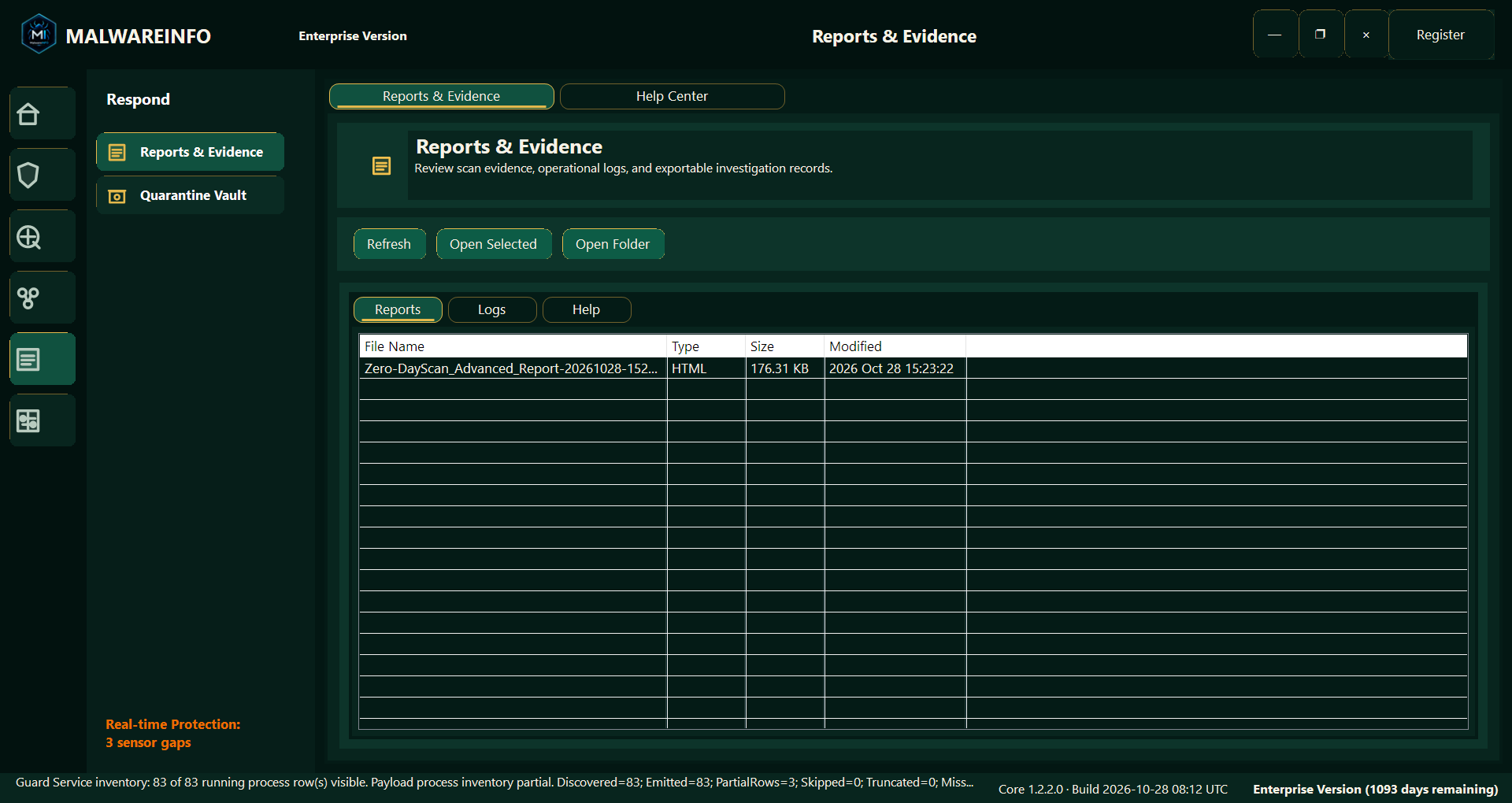
Supported workflows provide HTML/PDF reports, with additional export formats or evidence packages where the producing feature supports them.
Reports can help analysts:
The reporting approach keeps important qualifications visible. A partial collection should remain identifiable as partial; unavailable evidence should not be presented as proof that no activity occurred.
Technical analysis and management communication serve different needs.
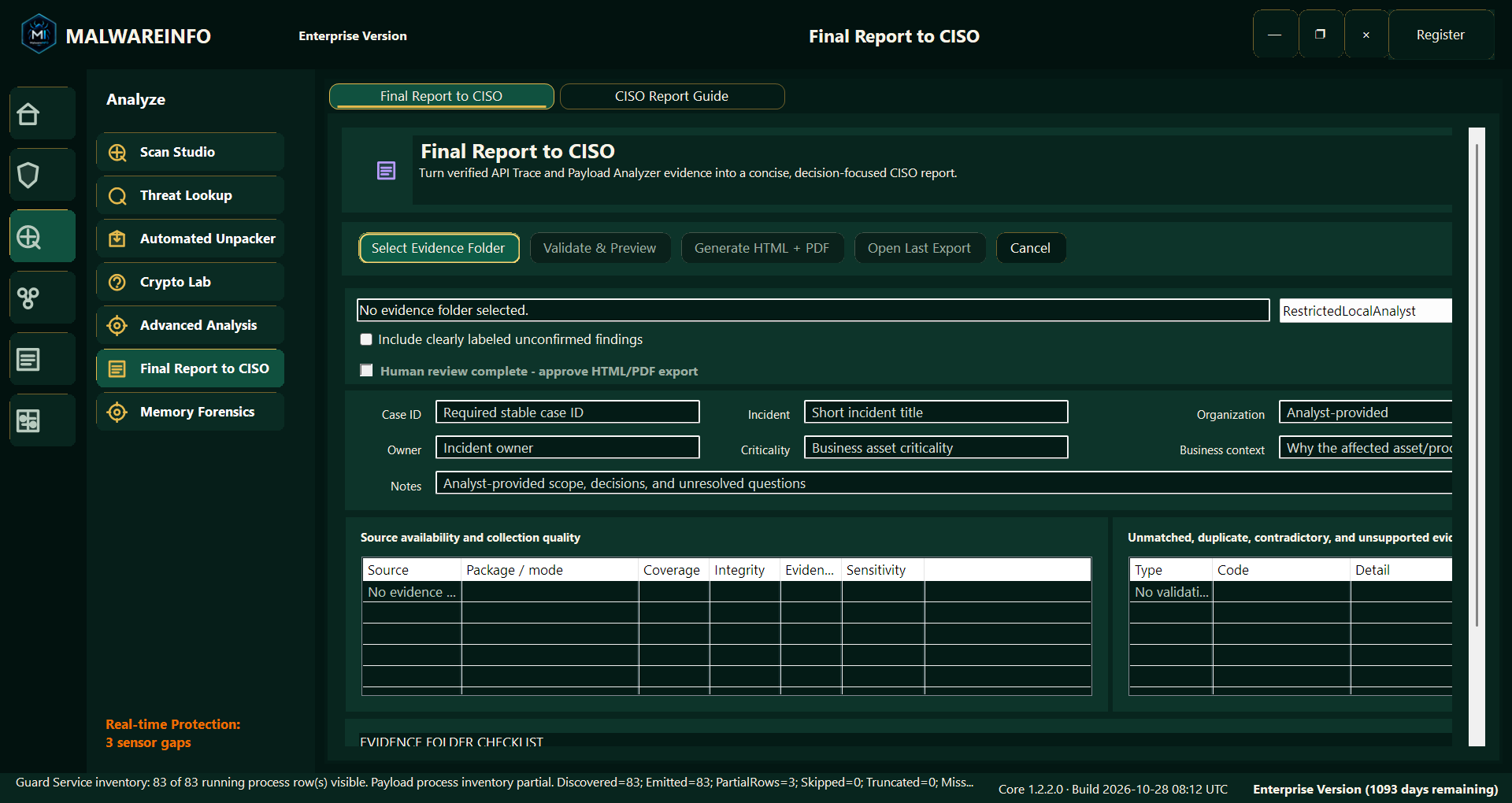
Final Report to CISO provides an Enterprise reporting workflow for organizing supported investigation inputs into an executive-oriented incident report.
It helps present the assessment, supporting findings, evidence quality, limitations, and follow-up considerations in a form suited to broader review.
The report supports human decision-making. It does not replace the organization’s incident-response process or independently authorize containment, disclosure, or other operational action.
MalwareINFO offers Free, Professional, and Enterprise editions.
| Edition | General focus |
|---|---|
| Free | An entry point to available core tools, including offline Crypto Lab analysis. |
| Professional | Additional protection and analysis workflows, including Payload & Memory Analyzer. |
| Enterprise | Advanced runtime tracing and investigation-reporting workflows, including Deep API Trace, Guided API Trace, API Hook Trace, and Final Report to CISO. |
Consult the current edition comparison for the complete feature list and availability.
MalwareINFO is intended for users who need to investigate suspicious artifacts and explain their findings.
It can support the work of:
Core local analysis and offline tools work with evidence on the computer. Optional reputation and other connected features require access to their respective external services.
Capabilities depend on the selected edition, supported input, system configuration, permissions, and available collection methods.
| Item | Details |
|---|---|
| Product | MalwareINFO |
| Developer | United Info-Sec Co., Ltd. |
| Platform | Windows desktop; current application package is 64-bit |
| Editions | Free, Professional, and Enterprise |
| Primary focus | Malware analysis, runtime investigation, and evidence reporting |
| Offline analysis workspace | Crypto Lab |
| Artifact analysis | Supported executable, package, document, and memory-artifact workflows |
| Advanced investigation | Supported API tracing and controlled analysis workflows |
| Reporting | HTML/PDF reports and feature-specific exports |
Move from an initial suspicious file to a more structured investigation.
Inspect supported artifacts, examine relevant runtime activity, analyze configuration data, and prepare findings that others can review—with MalwareINFO.
Discover MalwareINFO by United Info-Sec Co., Ltd.
Learn more, compare editions, and download:
Company information: www.unitedinfosec.com
INSIDE MALWAREINFO
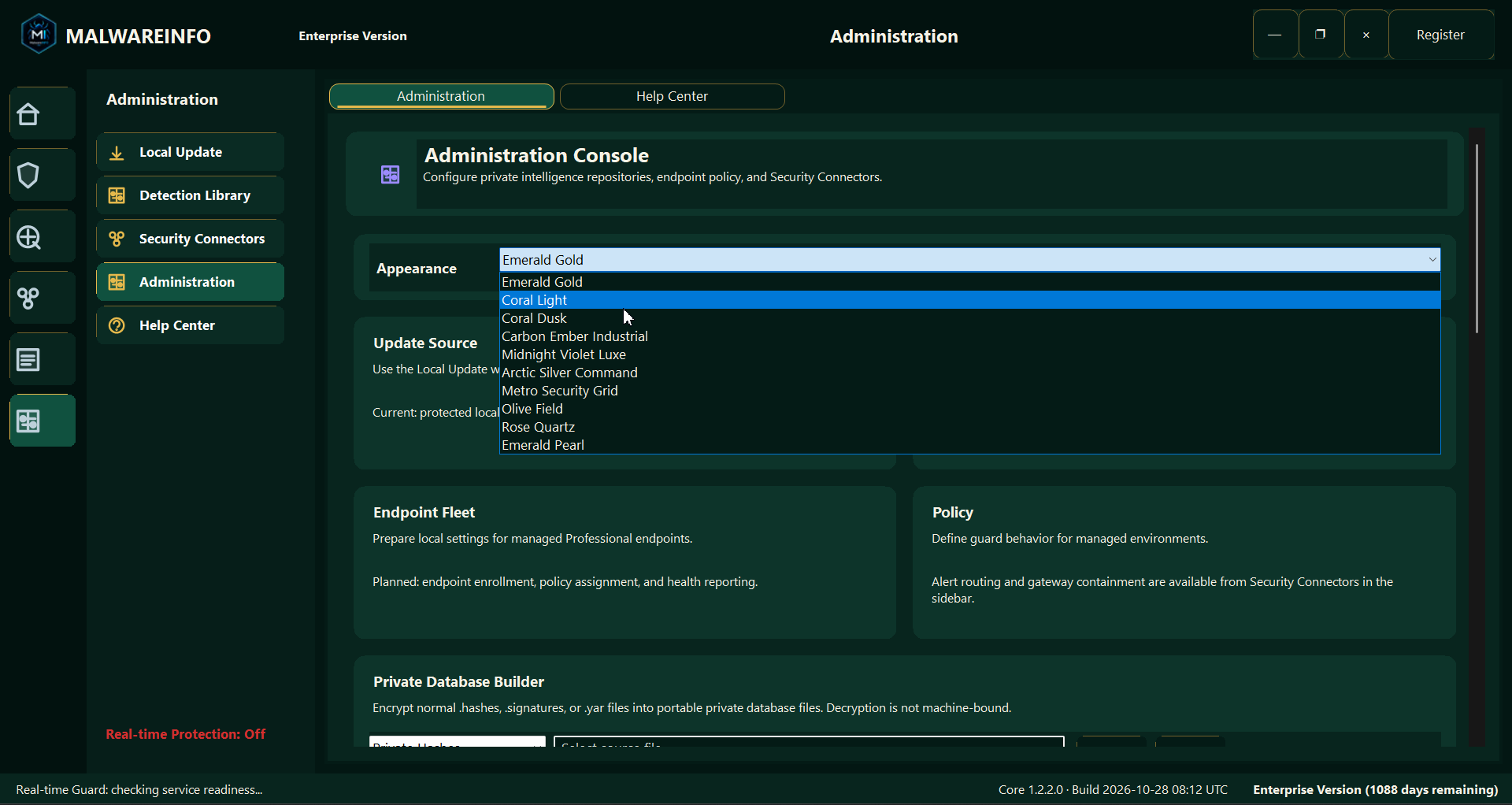
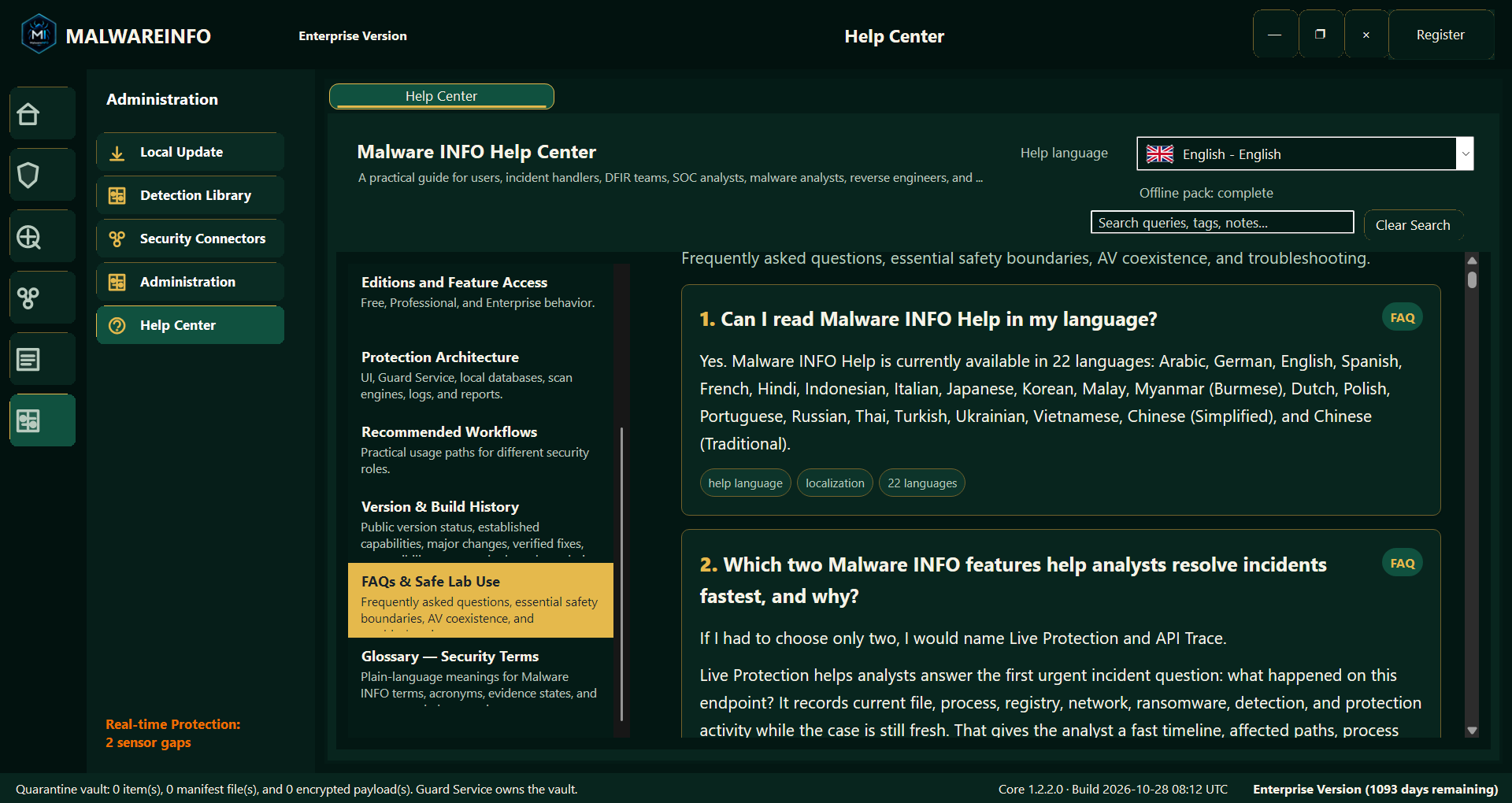
Expand a screenshot to inspect the interface. All supplied figures remain available in order.
GET MALWAREINFO
Use the official download page for the current installer and release information.
Download MalwareINFOWindows desktop · 64-bit
FREE · PROFESSIONAL · ENTERPRISE
Review current features, license terms and purchase options on the official MalwareINFO website.
Compare editions & purchaseVisit malwareinfo.appMORE FROM UIS
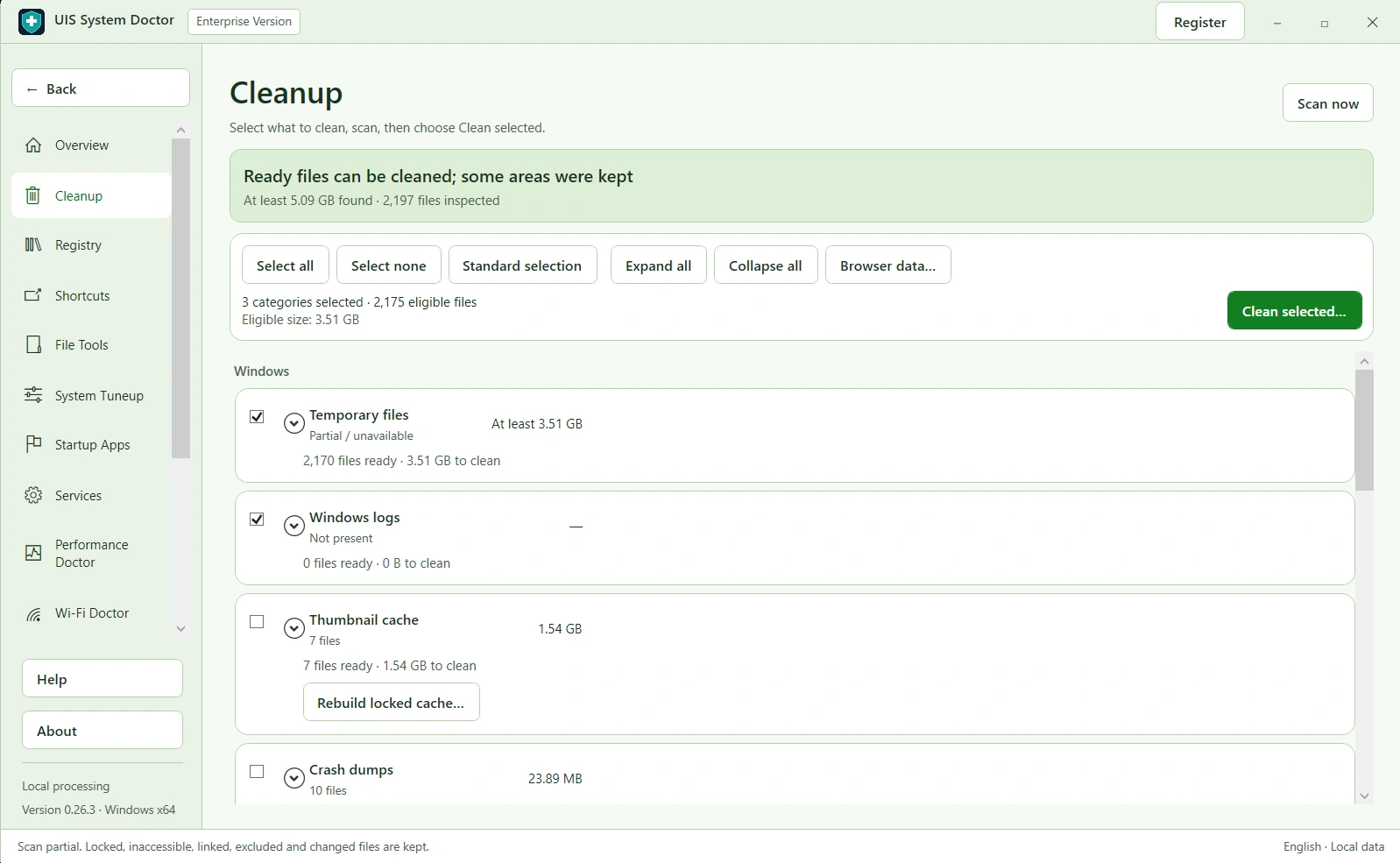

Windows maintenance
Bring cleanup, startup management, selected history removal, and performance diagnostics together, with recovery options for supported changes.
Explore UIS System Doctor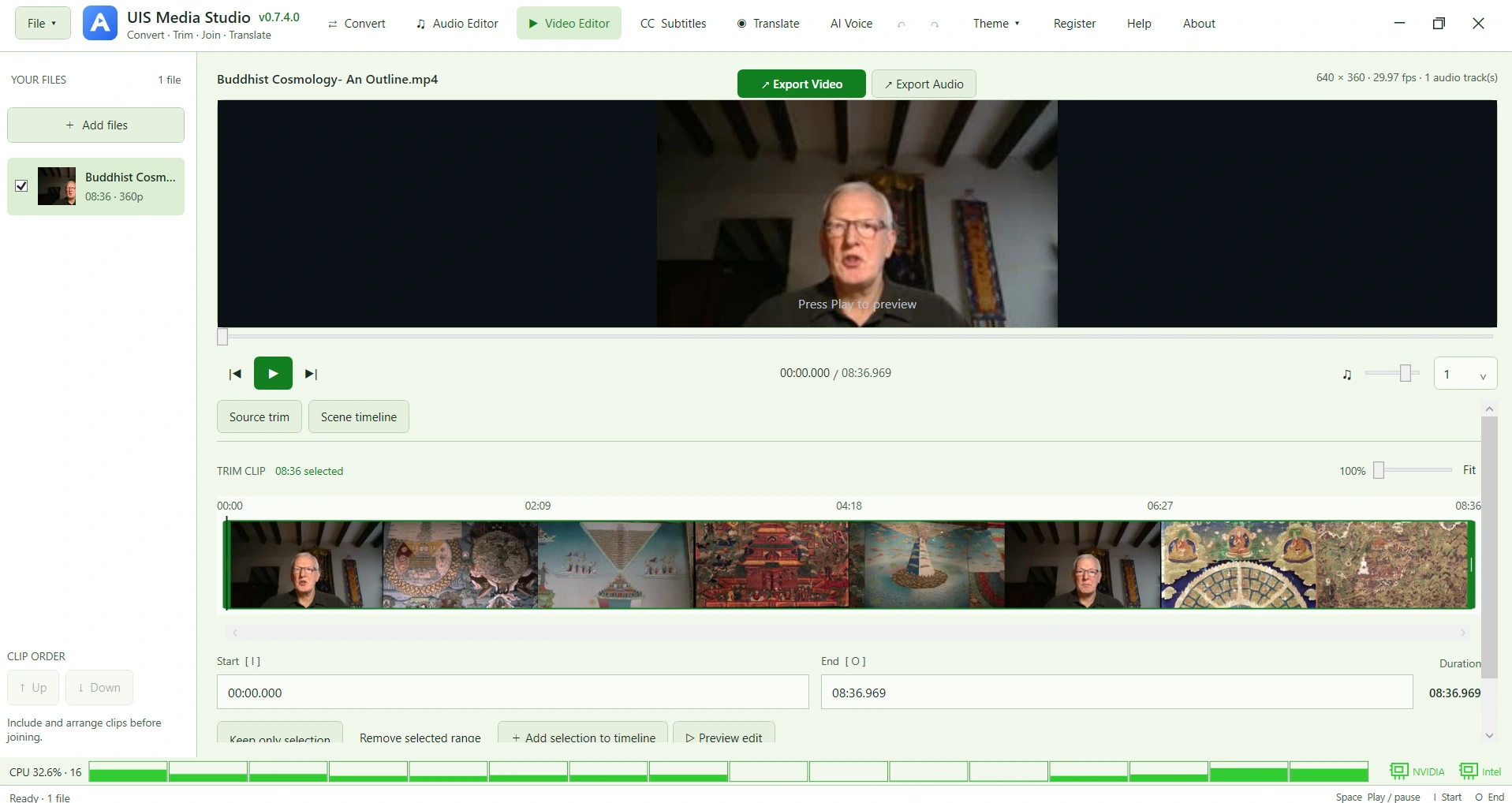

Media creation
Audio and video editing, conversion, subtitles, transcription, translation, and AI voice generation in one organized workspace.
Explore UIS Media StudioLET’S WORK ON IT
Tell us what you need. We can discuss a practical starting point.